

fastmcp dev apps or connect to from any MCP host. Source lives in examples/apps/ in the repository.
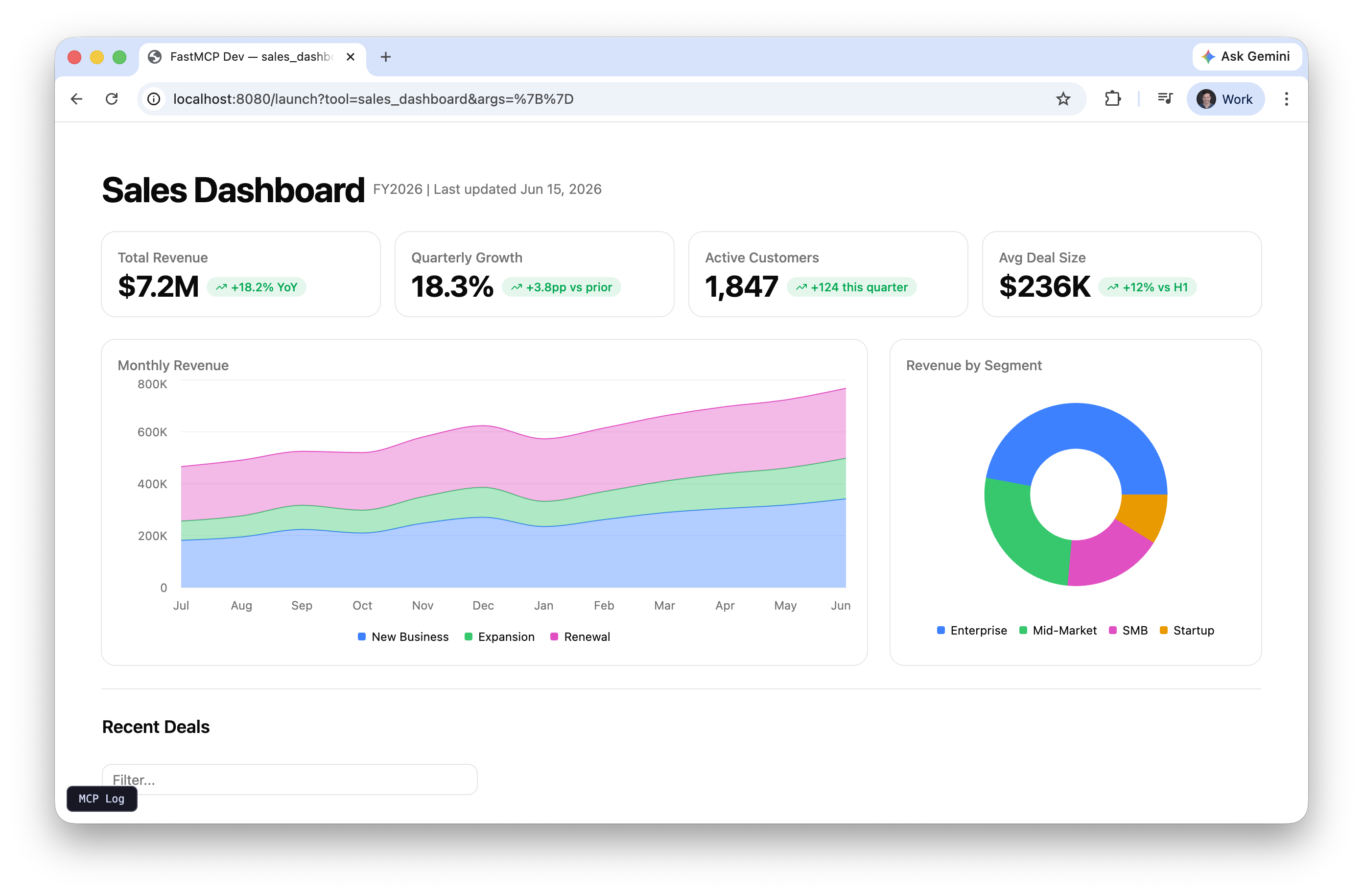
Sales Dashboard
Metrics, charts, and deal pipeline
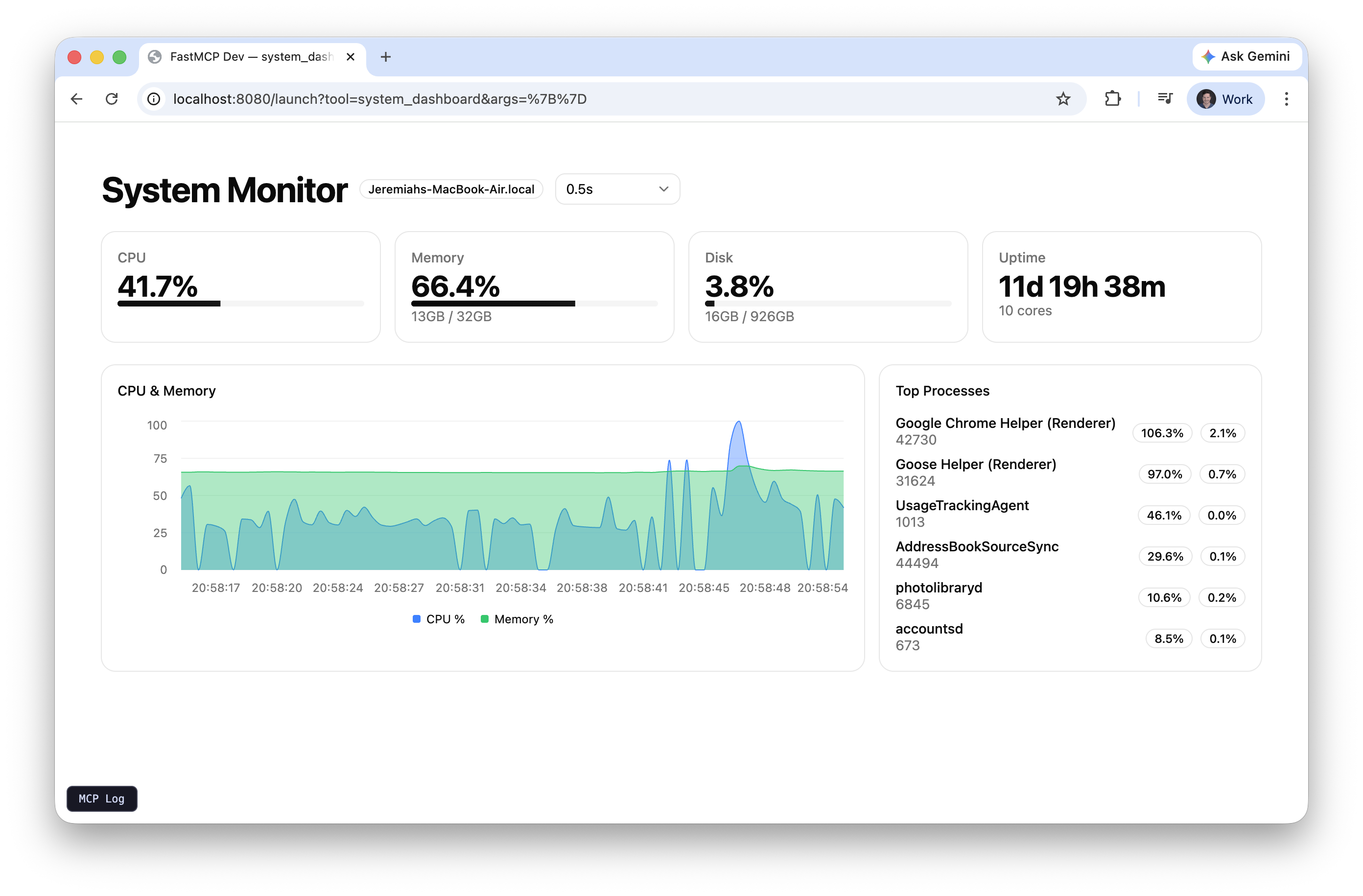
System Monitor
Live CPU, memory, disk with auto-refresh

Quiz
LLM-generated trivia with scoring
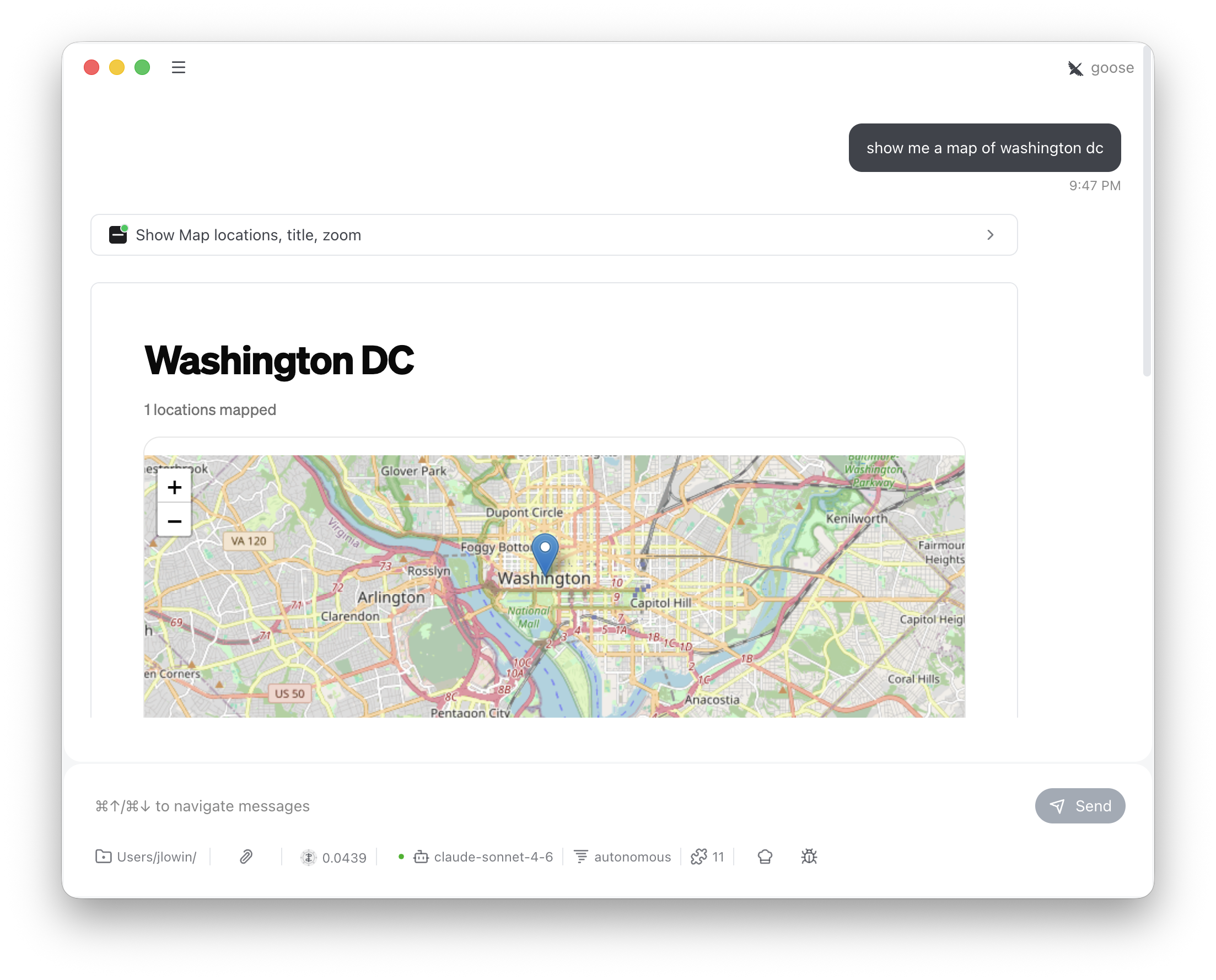
Interactive Map
Geocoded addresses on Leaflet
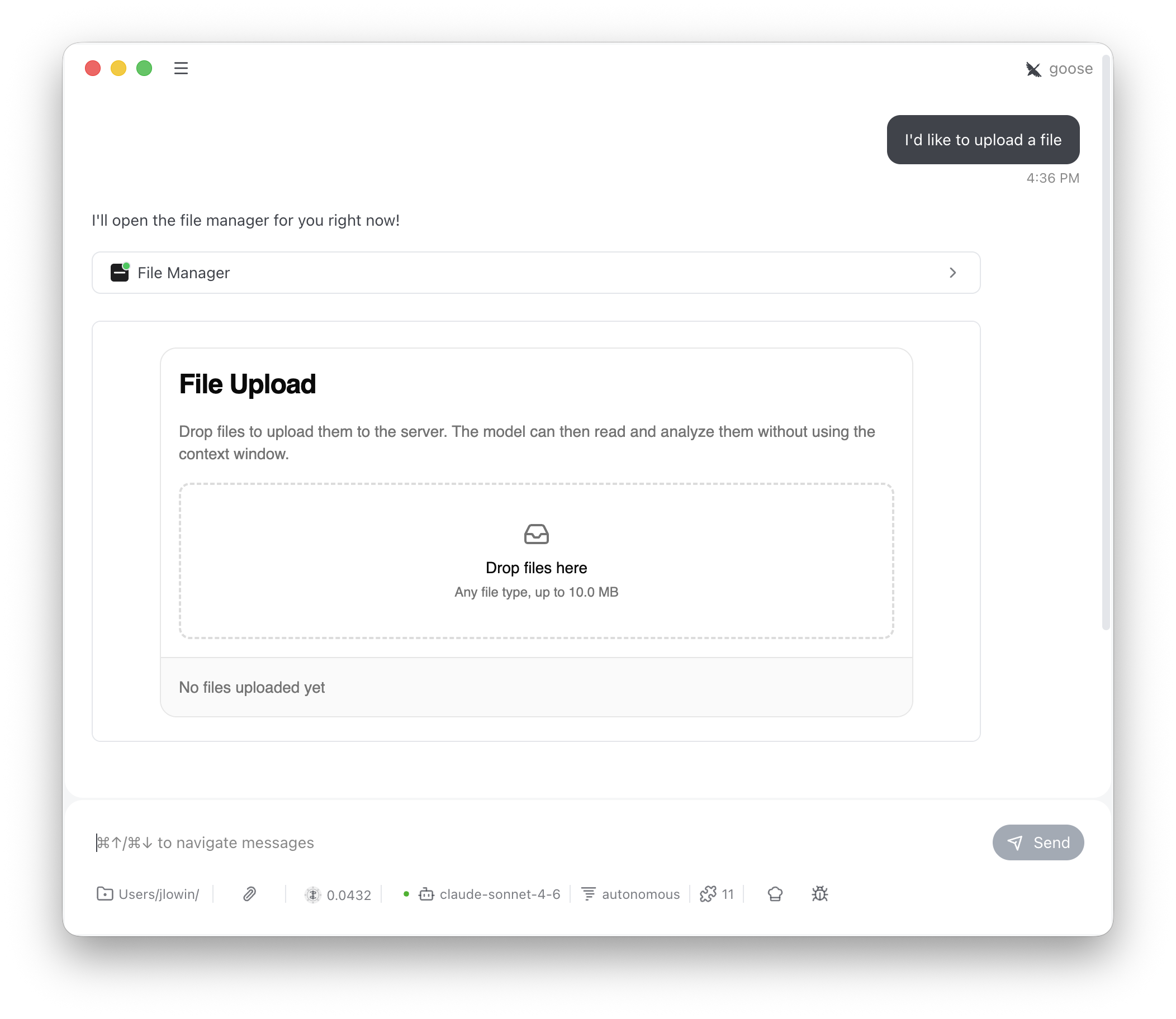
File Upload
Drag-and-drop upload provider
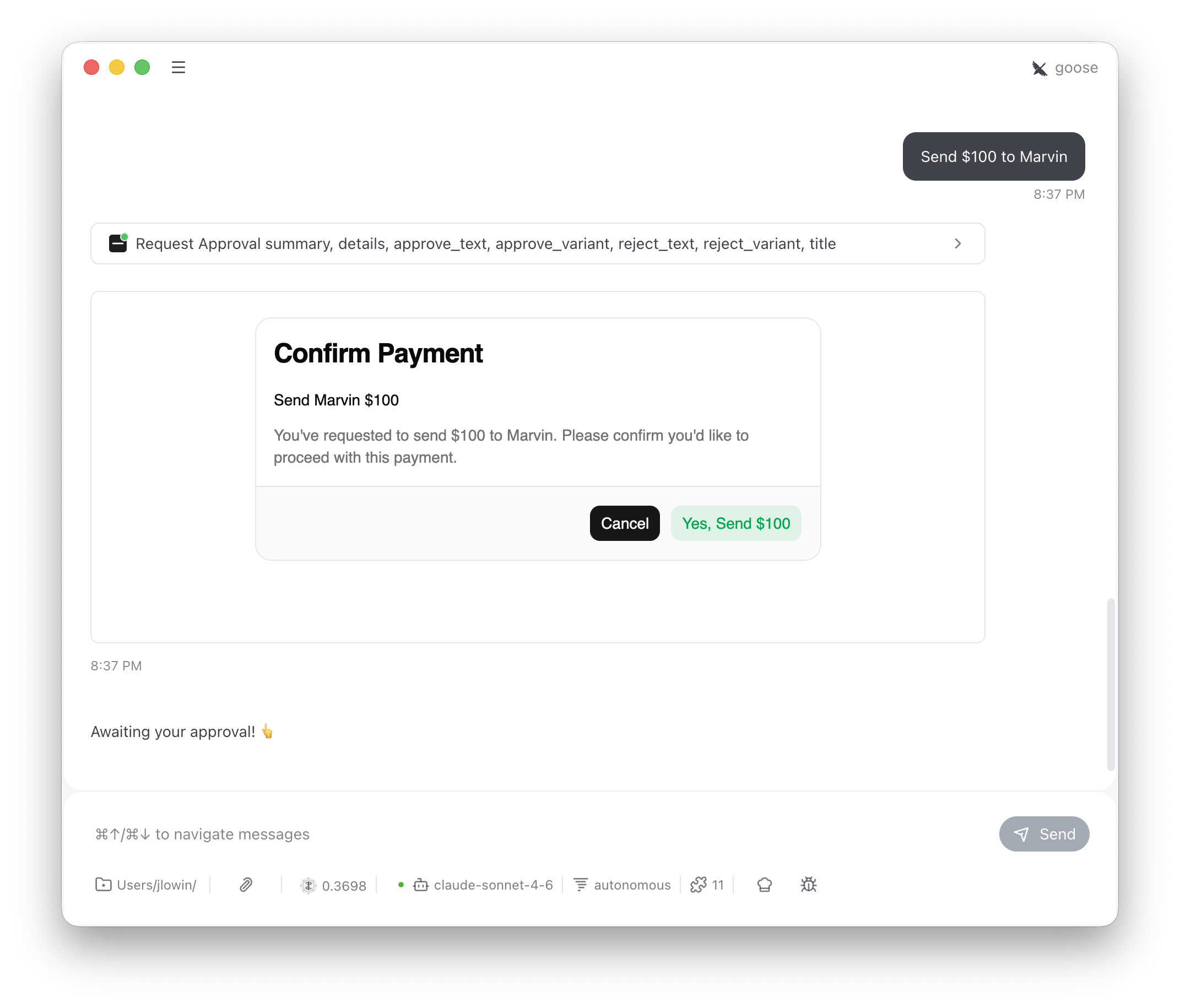
Approval
Human-in-the-loop confirmation
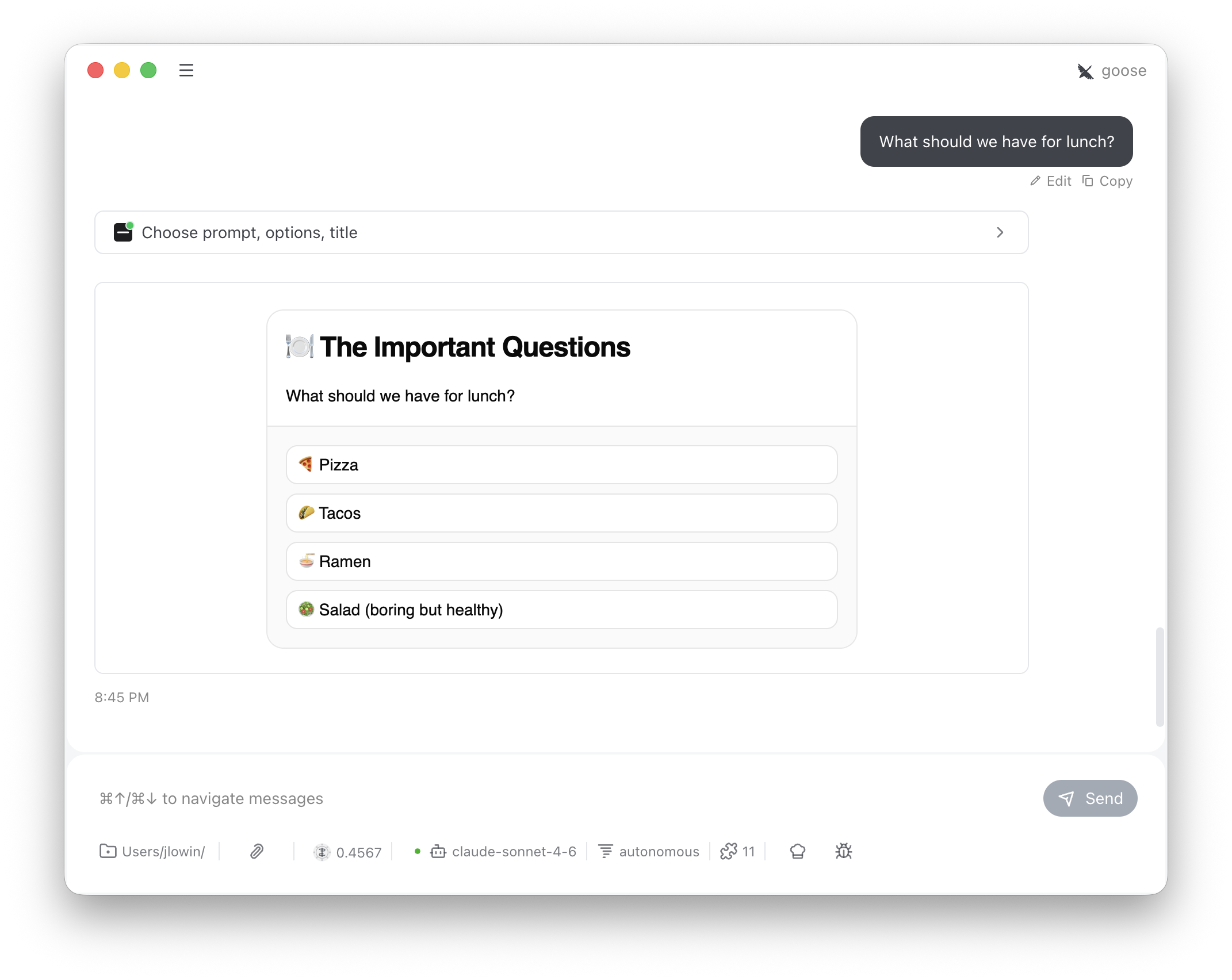
Choice
Clickable option selection
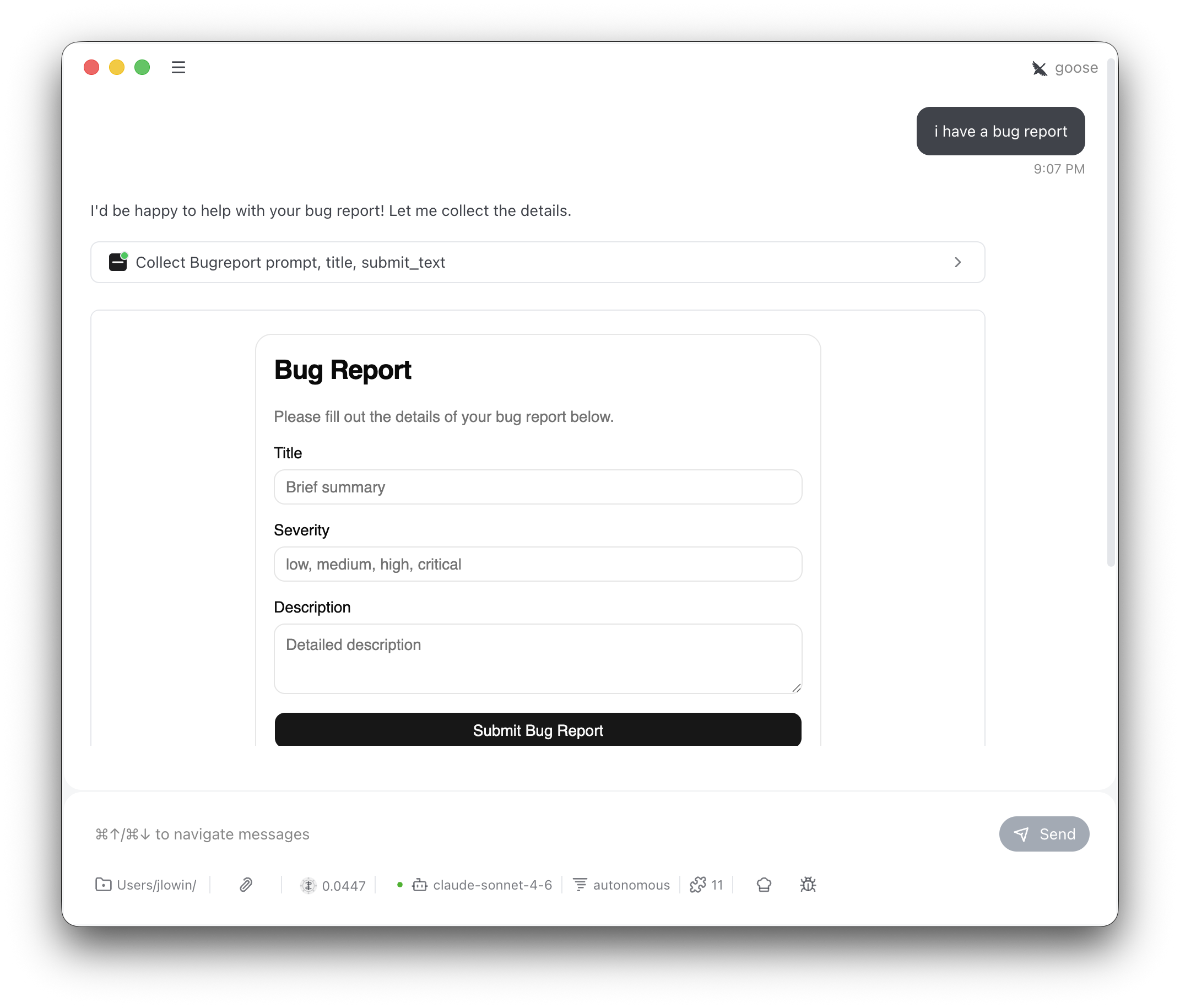
Form Input
Pydantic model forms
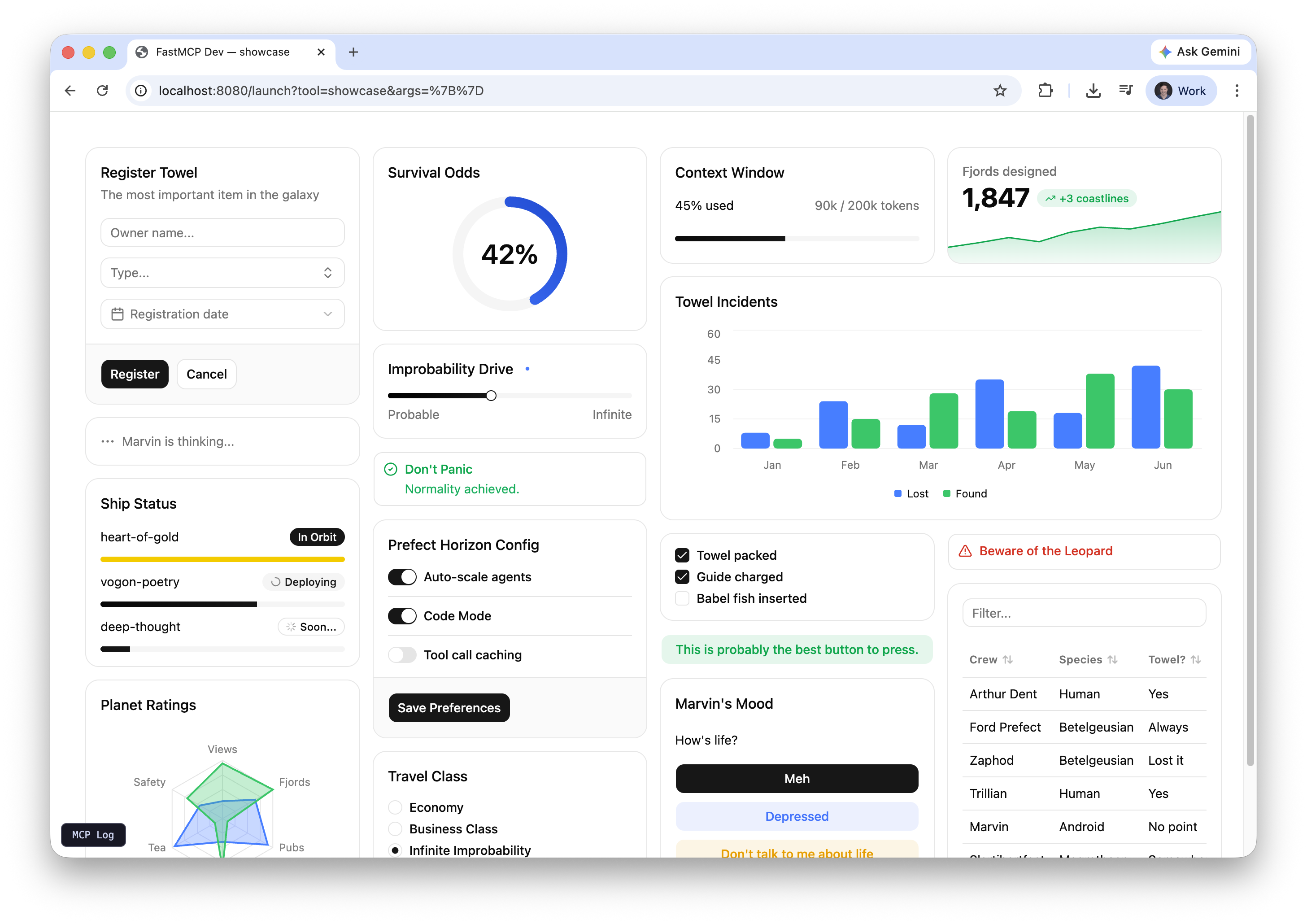
Generative UI
LLM writes the UI at runtime
Running the examples
Preview any example in your browser with the dev server:Standalone apps
Sales dashboard
A full dashboard with KPI metrics, revenue trends, segment breakdown, and a deal pipeline table. Shows what you can build with a singleapp=True tool and Prefab’s chart and data components.
System monitor
Reads live CPU, memory, and disk stats from your machine usingpsutil. Auto-refreshes via SetInterval calling a backend tool, with a dropdown to control the refresh rate. The chart accumulates up to 100 data points over time.
Quiz
The LLM generates trivia questions and passes them to the tool. The user answers via buttons, sees correct/incorrect feedback, and tracks score across questions. Demonstrates multi-turn client-side state with FastMCPApp.Media picker
The model finds videos with its own search and passes their YouTube links; the server verifies each link through oEmbed before showing it.Play and Save call app-only tools directly, Play can drive a TV through another MCP server, and More like this sends a follow-up request to the conversation.
Interactive map
Accepts addresses or place names, geocodes them via OpenStreetMap Nominatim (free, no API key), and renders an interactive Leaflet map using Prefab’sEmbed component with inline HTML. A reminder that Prefab apps can break out of built-in components when they need to.